
Tiles database
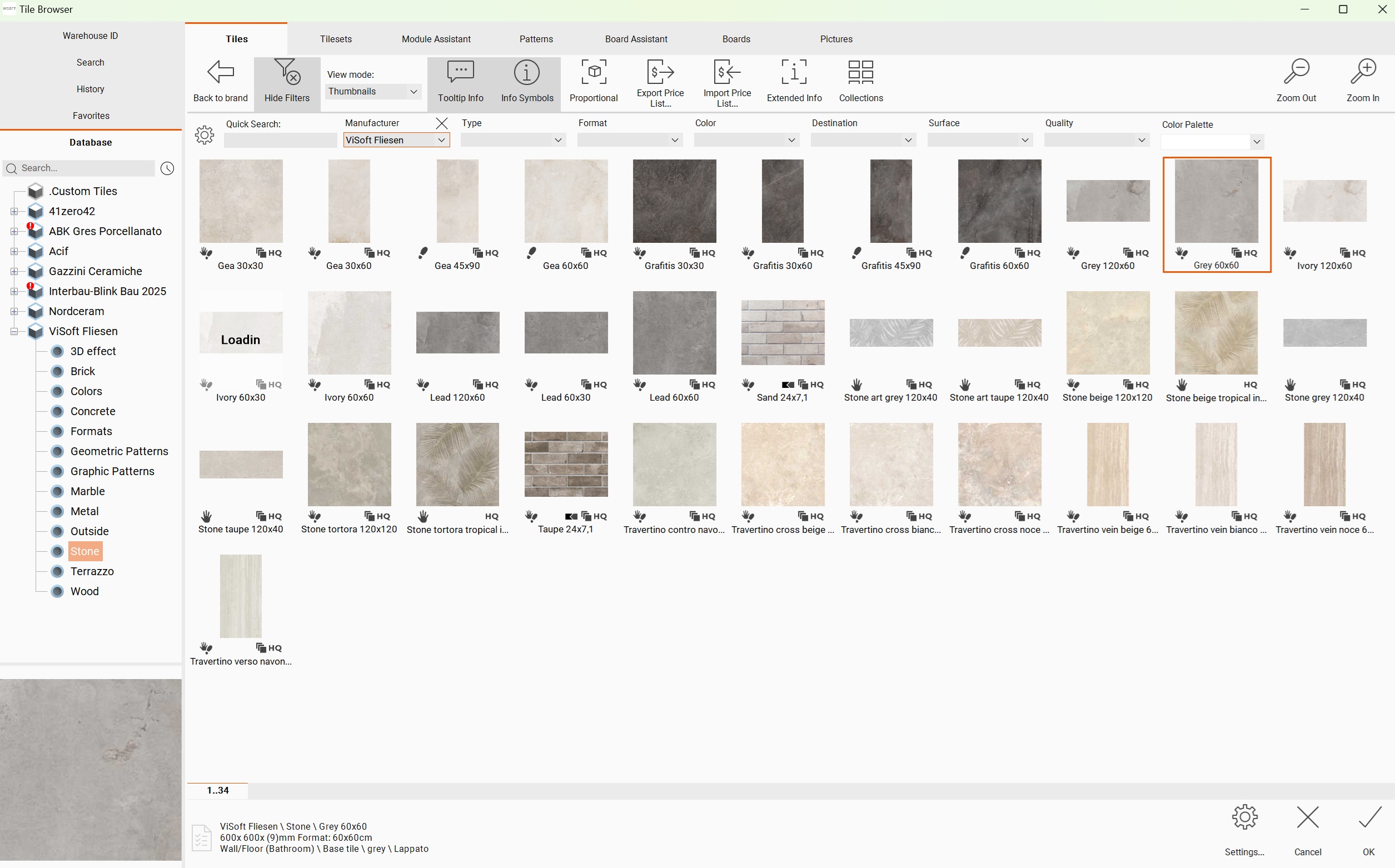
Here you can find the tiles of manufacturers you chose to install on your computer. Click on the button Open Tile Browser to open it.
Keyboard shortcuts:
| Alt+F12 | Show proportional symbols | |
| Ctrl+I | Show info symbols | |
| Ctrl+C | Copy selected tile | |
| Ctrl+V | Paste tile in tileset | |
| Del | Delete tile from the tileset | |
Tiles browser has three main tabs (Tiles, Tilesets, Pictures) located on top of the screen. You can use them in combination with tabs Database, Favorites, History and Search on the left of the screen.
Pictures tab #
Here you can see catalogue pictures provided by manufacturers. Double click any of small preview pictures to see tiles from that series. Some manufacturers / series have more catalogue pictures than others. In case a series contains no pictures it is colored in light grey color.

